I've been a little quiet lately.
There's a good reason.
I've spent the last few weeks working on my own website.
DIGITALO Services has more than 200 pages, so moving from Divi 4 to Divi 5 wasn't exactly a quick update. I took a copy of the live site, migrated it to Divi 5 and then used the opportunity to look at the website as a whole.
And I'm very glad I did.
It wasn't just about changing Divi versions
If you've got a website that's been around for a few years, you probably know how easy it is for things to build up.
A plugin gets installed because you need it for one particular job. A page gets added. Content gets changed. Something gets tweaked for mobile. Another plugin replaces an older one.
Before you know it, you've got a website that's grown considerably since the day it launched.
That's exactly what had happened with mine.
So rather than simply move everything from Divi 4 to Divi 5 and call it done, I treated the migration as an opportunity for a proper website review.
First, I tackled the Divi 4 to Divi 5 migration
I worked on a copy of the site rather than making changes directly to the live website.
One of the first jobs was removing the legacy plugins and modules that were no longer appropriate for the new setup. Some older Divi-related tools can keep parts of a website operating in backwards compatibility mode, so I wanted to eliminate as much of that as possible.
It also meant taking a good look at the plugins I was using generally.
Some were old or no longer the best option, so I removed them and replaced them with newer alternatives where appropriate, including improvements to the site's security setup.
Then I looked at the content
This was one of the biggest jobs.
Moving a website to a new version is a good opportunity to ask whether the content is actually doing its job.
I went through pages and looked at things like:
-
Is the information still relevant?
-
Is the page targeting the right search terms?
-
Is it clear what I want the visitor to do next?
-
Could the wording be improved?
-
Are there opportunities to attract more Google traffic?
-
Does the page make it easy for a potential client to understand what I offer?
I've rewritten and refined pages with both SEO and conversions in mind.
Because getting someone to your website is only half the job. Once they're there, the website needs to make it easy for them to take the next step.
I gave the SEO a thorough tidy-up
I also reviewed the SEO foundations across the site.
That included improving page titles and meta descriptions, checking schema and looking at how individual pages were structured.
It's not the most glamorous part of a website, but these details matter.
And when you've got more than 200 pages, there are plenty of details to check.
I checked everything on different devices
I also worked through the site on desktop, tablet and mobile.
Because a page that looks great on your computer isn't necessarily going to look great everywhere else.
Spacing, headings, buttons, images, menus and layouts can all behave differently depending on the screen size.
A major migration is a very good time to check all of those things rather than discovering them later when a customer points them out.
I checked the boring stuff too
There was plenty of less exciting work involved.
I checked links.
I reviewed my legal documents.
I looked at old plugins and settings.
I checked that things were still working as they should.
None of these jobs are particularly exciting, but they're part of having a website that you can rely on.
My portfolio got a particularly big makeover
This was one of the bigger structural changes I made.
Previously, my work portfolio was essentially one page with projects listed on it, without individual pages for each project.
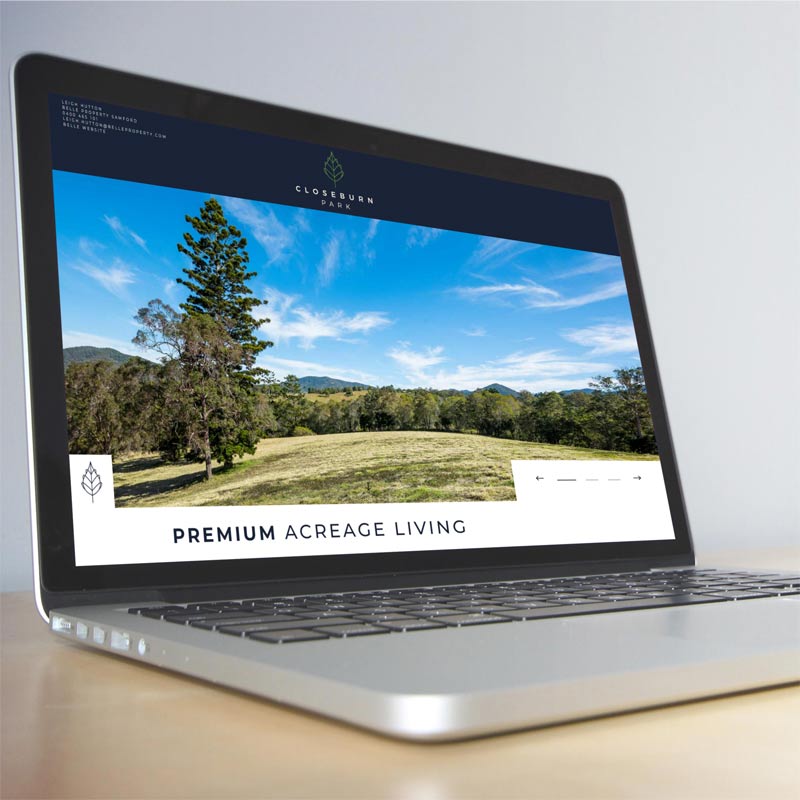
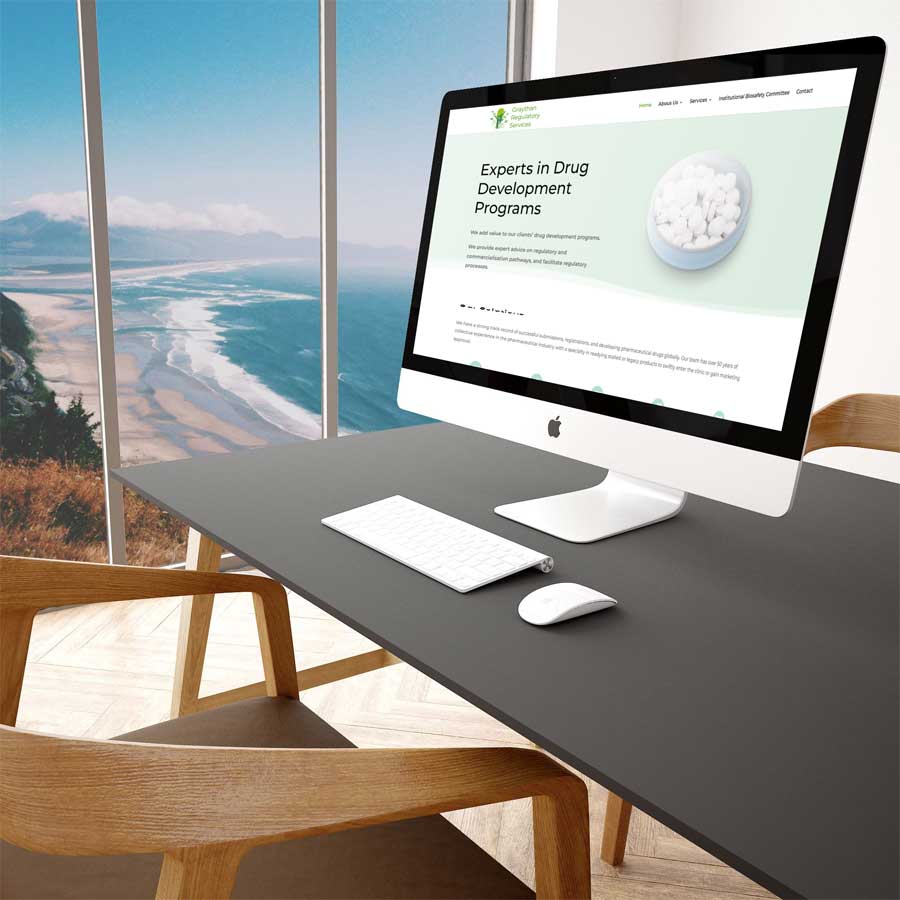
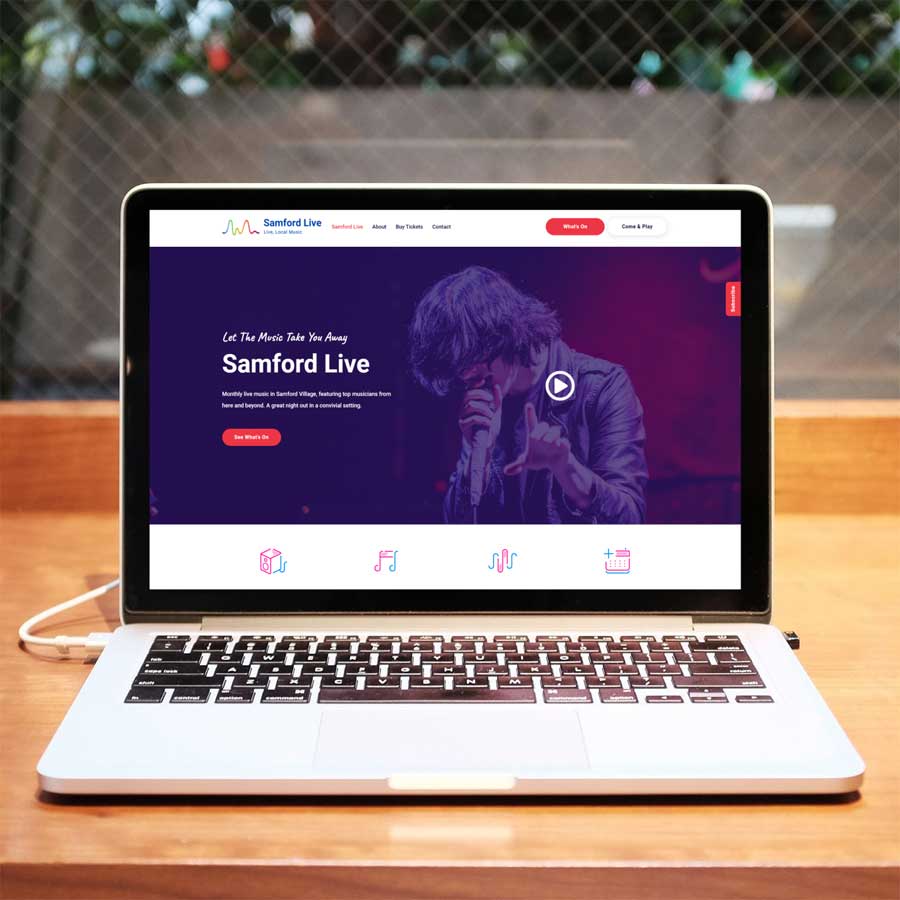
I've now turned that into 125 individual project pages.
That gives each project its own page, its own content and its own opportunity to be found in search.
It also makes the portfolio much more useful for people who want to see the sort of work DIGITALO Services has done over the years.
And yes, creating and checking 125 individual pages takes a little while!
So, was it worth it?
Absolutely.
The biggest lesson for me was that a major website change doesn't have to be just about the technology.
In my case, moving from Divi 4 to Divi 5 gave me a very good reason to stop and properly review a website that had grown over many years.
I could fix things I'd been meaning to fix.
I could improve pages that needed attention.
I could remove things I no longer needed.
I could improve the SEO.
I could make the site easier to navigate.
And I could look at the website from the perspective of someone visiting it for the first time, rather than someone who knows every corner of it.
Still using Divi 4?
If your website is still running on Divi 4, now is a good time to start thinking about your options rather than waiting until you absolutely have to make a change.
You don't necessarily need to throw everything away and start again.
But a Divi 5 migration can be a great opportunity to look underneath the surface and work out what should stay, what needs updating and what can be improved.
And you don't have to be using Divi for this to apply.
If your website is several years old and hasn't had a proper review since it launched, there's a good chance there are things that could be improved.
It might not need a complete redesign.
It might just need some attention.
If you're wondering what your website actually needs, DIGITALO Services can help.
From website migrations and technical tidy-ups to SEO, content, security, usability and ongoing website support, sometimes the best place to start is simply by taking a proper look.